Choose the program you want to skate
Select your stored music and join the line. Change your waiting program without losing your place.
Currently in private preview.
Pick your music on your phone or the rinkside screen. Next2Skate keeps the line, announces your name, and gives you time to get into position before your program starts.
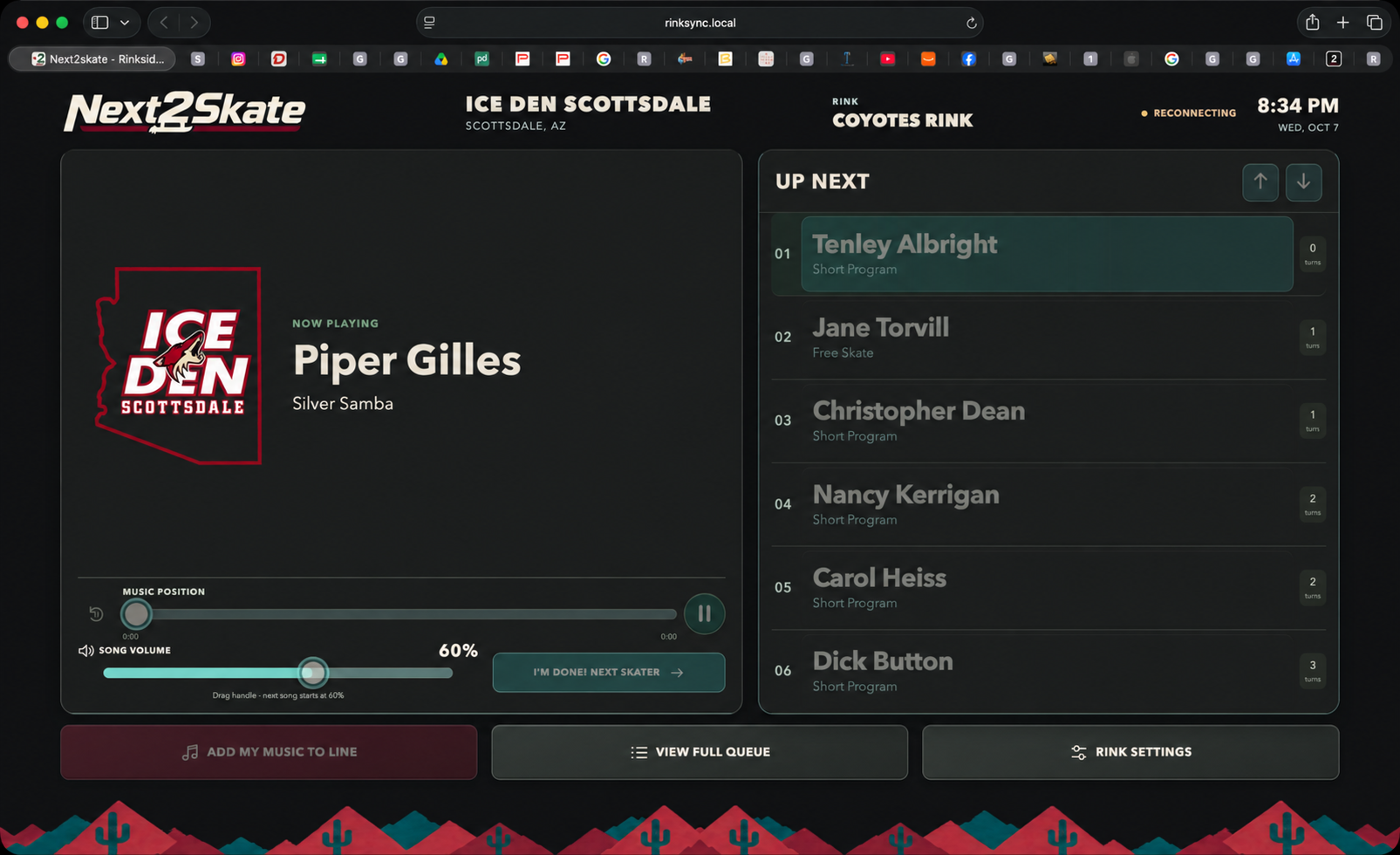
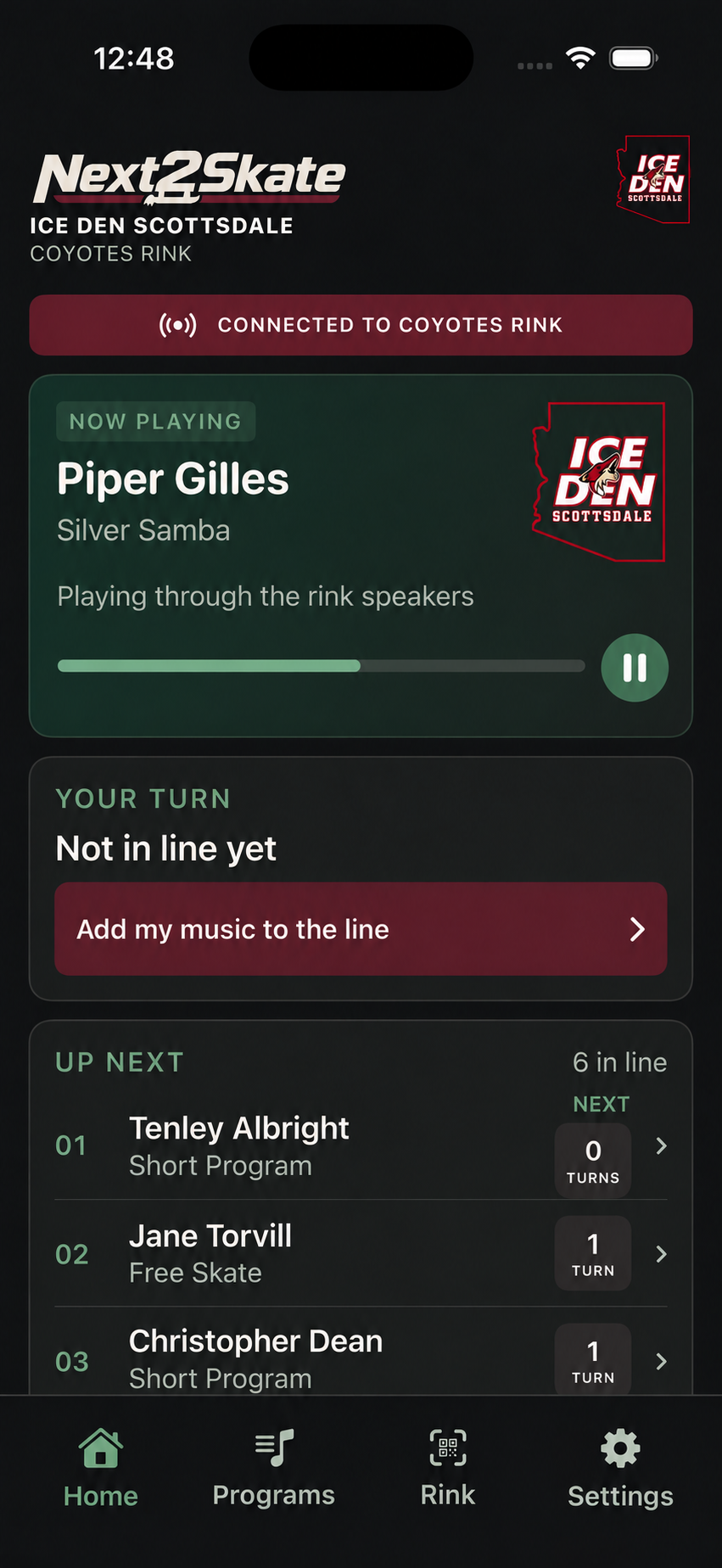
Preview screens with sample skaters and music.
Choose a program, see your place in line, and listen for your name. Your phone and the rinkside screen show the same queue.
Select your stored music and join the line. Change your waiting program without losing your place.
See who’s playing and who’s next. When it’s your turn, Next2Skate announces your name and gives you time to get into position.
Coaches can follow their students in the queue and request priority during a lesson. Coach requests alternate with ordinary requests when both groups are waiting.
Program playback, a shared music line, and session controls for your staff. A dedicated player connects Next2Skate to your rink’s sound system.
At your rink
The rink’s player handles the music. Phones and the shared screen connect over the local network. The sound connection, staff access, and session rules are set up with the rink before skaters use it.
Use Fair Queue to give skaters with fewer turns priority, or choose first come, first served. The same line appears on phones and the rinkside screen.
In development
Staff will be able to see when programs played, how many times they played, and how many individual skaters are actively using Next2Skate.
Staff will be able to allow double run-throughs for selected skaters preparing to compete.
Participating rinks will receive a portion of subscription fees.
A public download and commercial pricing haven’t been announced.
Your rink needs a Next2Skate player connected to its sound system. The app is currently in private testing with invited users, so it isn’t available as a public download yet.
No. Next2Skate uses your phone or the rinkside screen to select music and join the line.
You can prepare music on your iPhone away from the rink. The current live queue and transfer to the rink player require a connection to the rink’s local network. Cloud accounts and remote music transfer are planned.
The rink’s local player plays the stored music. Your phone sends requests to it, so closing the app doesn’t stop the program.
In Fair Queue, skaters with fewer turns go ahead of those who have had more. Arrival order breaks a tie. Staff can also choose first come, first served. Coach requests alternate with ordinary requests, and the already-announced next skater keeps their place.
That’s the aim. Next2Skate is currently in private testing and needs its own installation and sound check at your rink. Subscription billing, staff reports, additional queue options, and support for multiple ice surfaces are in development.
We’re adding playback and active-skater reports, double run-throughs for selected skaters preparing for competition, and control over name pronunciation. Cloud accounts, remote music transfer, visiting-skater support, and multiple ice surfaces are also in development.